
As students, we often get so caught up in chasing good grades that we miss out on the many other benefits of being a student. Our teachers and parents might think that high marks are the only thing that matters, but I believe that real-life experiences are far more valuable. So, let’s explore some valuable resources from GitHub Student Developer Pack worth $200k, but free for students.
Outlines
- What is GitHub Student Developer Pack?
- Eligibility Requirements?
- How to apply for it?
- GitHub Student Developer Pack Benefits?
What is GitHub Student Developer Pack?
GitHub provides students with a set of useful tools to gain real-world experience with the latest tools and technologies. These tools are primarily for developers (as the name suggests), specifically students of Computer Science, Software Engineering, Data Science, AI, etc. This pack contains useful tools related to GitHub and others from various providers.
Eligibility Requirements
To be eligible for this program, the following requirements must be met:
- GitHub account
- Active student status at a recognized educational institution
- Valid student email address involving “.edu” or “.org” extension
- Must be 13 years old or older
How to apply for it?
Go to the following link: GitHub Education Pack and click the button “Sign Up for Student Developer Pack“.
Clicking the button will take you to a page that asks, “What email address do you use for school?” Select the email address assigned to you by your university. If it’s not in the email address list, add it.
Next, you will be asked, “What is the name of your school?” As you type, the system will suggest names. If you find your school on the list, it means your institute is already recognized by GitHub.
The next question is, “How do you plan to use GitHub Student Developer Pack?” Write a brief description here.
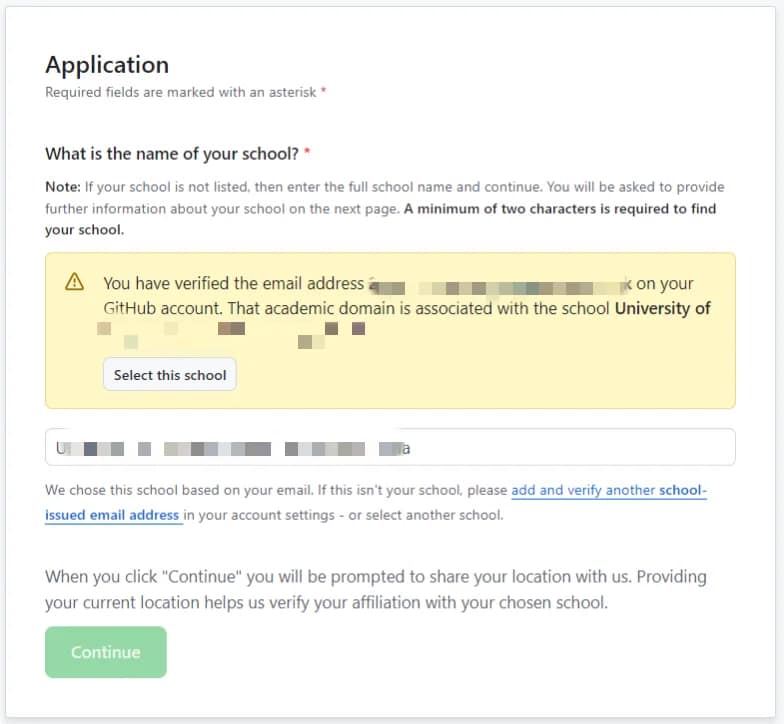
Click the “Continue” button, which will take you to a verification page. Here, you will need to provide documentation and proof that you are actively enrolled in the selected institute. This may involve the following:
- A picture of your student ID card.
- Your enrollment date and course duration.
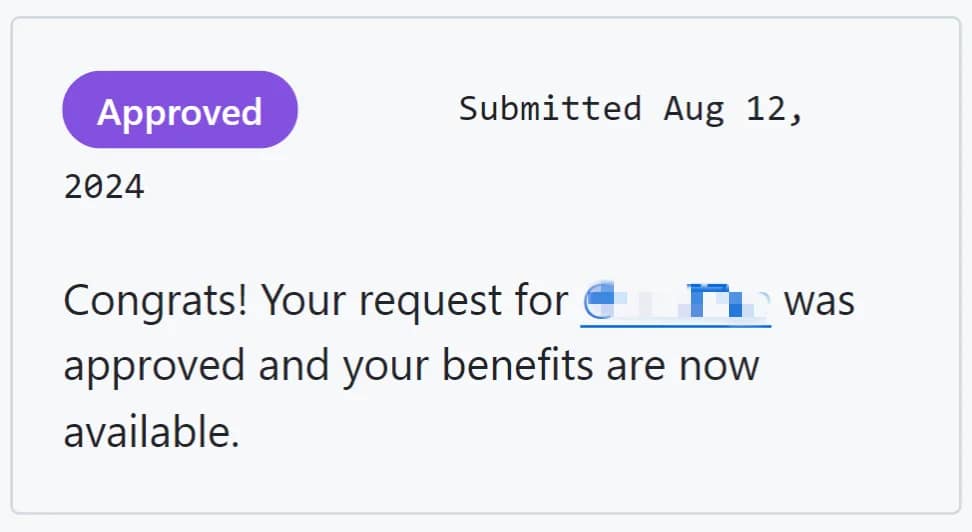
After submitting this information, you will need to wait 2-4 days for an email notification regarding your application status. The email will inform you if your pack has been approved. If not, you can reapply following the instructions in the email.
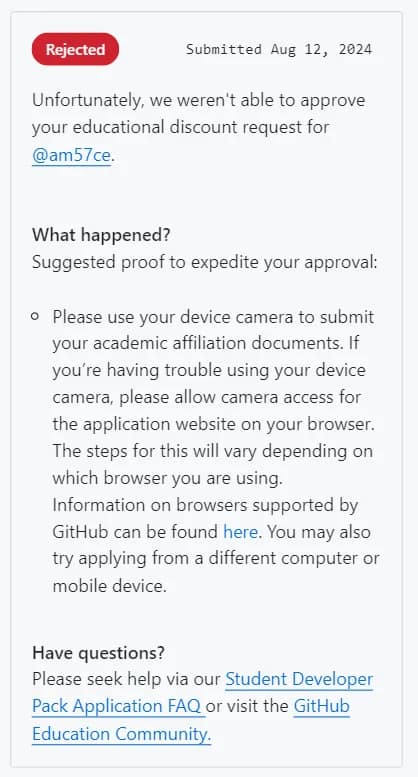
Before applying, please ensure you have the following:
- A browser with location permission enabled.
- Complete GitHub account billing information (no need to add a payment method).
- Verified student email address linked to your GitHub account.
- Secured GitHub account with Two-Factor Authentication (2FA) enabled.
- Completed profile, including a photo (optional).
- Public Readme file with any content you like.
- Access to your device’s camera to take a real-time photo of your student ID card.
Personal Recommendation: I recommend using the Chrome browser on your phone with location and camera permissions enabled. It’s also helpful to be physically present at your university and connected to the university Wi-Fi when applying. This may increase your approval chances.
GitHub Student Developer Pack Benefits?
There are serveral benefits to the Developer Pack, which you can explore here: GitHub Student Pack Benefits
The duration of access to many of these services varies depending on your student status. Some services offer access for two years, some for one year, and others for six months or less.
Here are some of the popular benefits:
- Notion
Free Notion Plus Plan + AI responses. - Codedex
Free 6 months of Codedex Premium Club Membership for Verified GitHub Education Pack students. - 1Password
Free access to 1Password for a year + Access to 1Password Developer Tools. - Namecheap
Free 1 year domain name registration with .me extension + Free SSL certificate. - DigitalOcean
$200 DigitalOcean credits for 1 year! - GitHub Copilot
Free access to GitHub Copilot Individual as long as you’re a student. - GitHub Pro
Access to GitHub Pro with Pro badge and much more! - Heroku
Credits of $13/month for 24 months. - Mailgun
20K free emails + 100 free email validations each month for up to 1 Year. - DeepSource
Write good code with DeepSource with GitHub Education Pack. - OpenSauced
Enhance your open source journey with OpenSauced for students. - Neve Theme for WordPress
Free 1 Year of Neve theme from Themeisle with all Pro Plugins + Premium Support. - Typeform
Free 1 Year of Professional Plan for surveys, quizzes and much more! - Datacamp
Free access to individual plan for 3-month, only for students. - MongoDB
$50 Credits in MongoDB Atlas + Access to MongoDB Compass + Free certification valued at $150. - Microsoft Azure
Get $100 in Azure credit + Access to 25+ Microsoft Azure cloud services. - JetBrains
Free Subscription for GitHub Education Pack Students.