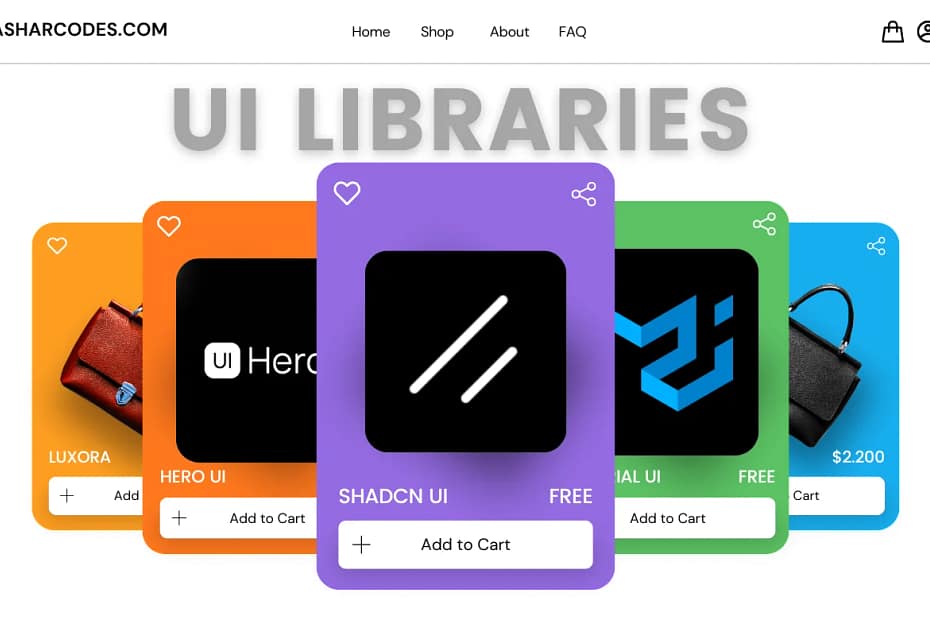
You might have heard about UI libraries—that’s why you’re here. Or maybe this is your first time discovering them. Either way, let me introduce you to this precious asset for frontend developers and designers.
The Need for Speed in UI Development
The world of technology moves quickly these days. When building websites and apps, users want them to look good and work smoothly. As developers, we need to work fast to create these experiences.
Building a user interface (the part of an app users see and interact with) from scratch is very time-consuming. Many developers get stuck spending too much time making buttons, menus, and other visual elements look perfect. This takes away from the more important work of making the app actually do what it’s supposed to do. That’s why UI libraries are so helpful – they give developers pre-made visual elements so they can focus on making their apps work great.
What is a UI Library?
A UI library is a collection of pre-built UI components that can be easily integrated into a web application. These components include buttons, inputs, sliders, sidebars, charts, dialogs, drawers, and much more.
For example, take Shadcn UI, one of my personal favorites. It provides a comprehensive set of beautifully designed components that help you build web applications faster. Whether it’s an e-commerce platform, a blog site, or a complex dashboard, Shadcn UI has got you covered.
Other popular UI libraries include:
- Material UI – Google’s modern and accessible design system.
- Chakra UI – A flexible and accessible React component library.
- Hero UI – A sleek and powerful option for Tailwind CSS users.
Each of these UI libraries serves the same purpose—accelerating the development process while ensuring design consistency and responsiveness.
My Experience Using UI Libraries
I have been using UI libraries for over a year now, and they have saved me an unlimited number of hours. As a web developer, I love working on mini startup ideas, which I call “Minitartups.” Whenever an idea sparks, I immediately set up Next.js or React.js with Tailwind CSS and install a UI library—most often Shadcn UI.
I love the design, consistency, ease of use, themes, and functionality of Shadcn UI. It significantly speeds up my workflow, allowing me to bring my “Minitartups” to reality so people can interact with them.
The Role of AI in UI Development
Nowadays, even AI-powered chatbots like Claude and ChatGPT can generate code that includes UI libraries like Shadcn UI. This further accelerates the development process. Imagine having an idea, prompting an AI model, and getting a functional UI component in seconds—this is the future of frontend development.
Why You Should Use a UI Library
If you’re still not using any UI library, here are a few reasons to consider:
- Saves Time – No need to design every button or form element from scratch.
- Improves Consistency – Ensures a unified design language across your app.
- Enhances Productivity – Allows you to focus on the core functionality.
- Ensures Accessibility – Most libraries follow accessibility best practices.
- Offers Customization – You can tweak components to match your brand.
Final Thoughts
UI libraries are not just a convenience; they are a necessity in modern web development. They help developers move faster, maintain consistency, and create visually stunning applications with minimal effort. If you haven’t already, start using a UI library today and experience the difference.